TV libraries —
already included.
EpiManager is the TV-focused product mode inside AniManager: orange/blue theme, TMDB → TheTVDB metadata defaults, and TV-friendly rename templates. If you have AniManager, you already have it — no second .exe.
Every tool your TV library needs
Episode-accurate metadata, season folder organisation, and lossless remux — all in EpiManager's orange/blue workspace.
TMDB + TheTVDB
TMDB search with TheTVDB series and episode enrichment. Official episode titles appear on rows as soon as season and episode numbers are resolved.
TV Rename Templates
Purpose-built templates like {series} - S{season00}E{episode00} - {title} with per-mode memory and live rename preview table.
Season Folders
Organize files into Season NN folder patterns automatically. Separate organize rules from AniManager mode are remembered independently.
Shared Remux Queue
Same lossless MKV remux presets and selective per-stream jobs. Queue and Log are shared between AniManager and EpiManager — switch modes freely mid-batch.
English-First Subtitles
OpenSubtitles integration with English-first language order by default in TV mode. Align, external mux, and Kodi/Plex metadata helpers all work seamlessly.
Smart Mode Isolation
Anime-only toggles (AFL, AniSkip, AniDB, etc.) auto-disable in TV mode. Guided tutorial explains both modes, API keys, and licensing in one flow.
Complete TV workflow, nothing stripped out
- TMDB search with TheTVDB series and episode enrichment
- Official episode titles on rows when season/episode are known
- TV rename templates:
{series} - S{season00}E{episode00} - {title} - Organize into
Season NNfolder patterns - English-first OpenSubtitles language order by default
- Same lossless remux presets and MKV selective jobs
- Chapters, Plex
.plexmatch, Kodi.nfo - Queue & Log with error/job filters
- Guided tutorial explains TV vs anime modes and API keys
- Anime-only toggles (AFL, AniSkip, …) auto-disabled in TV mode
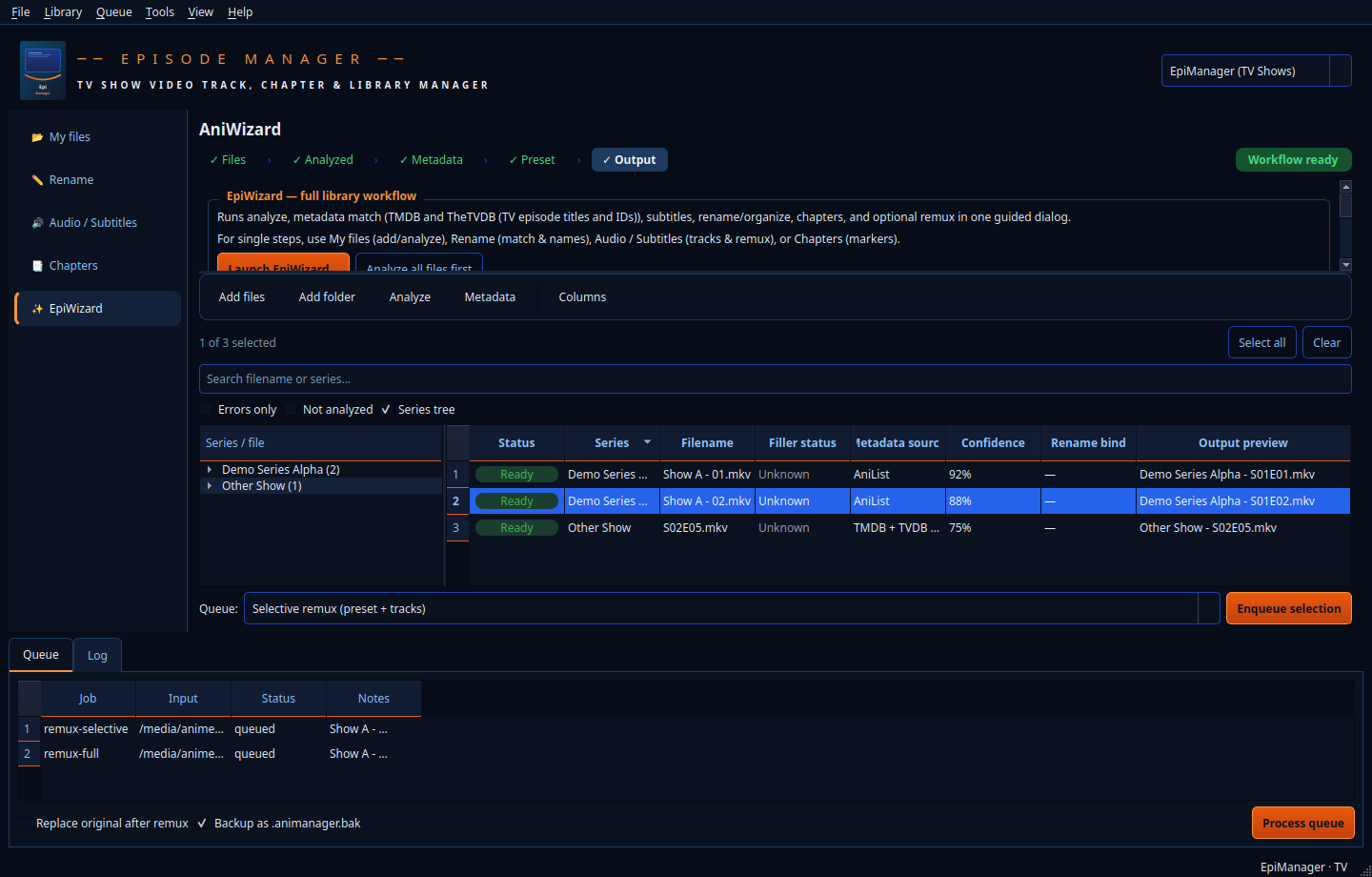
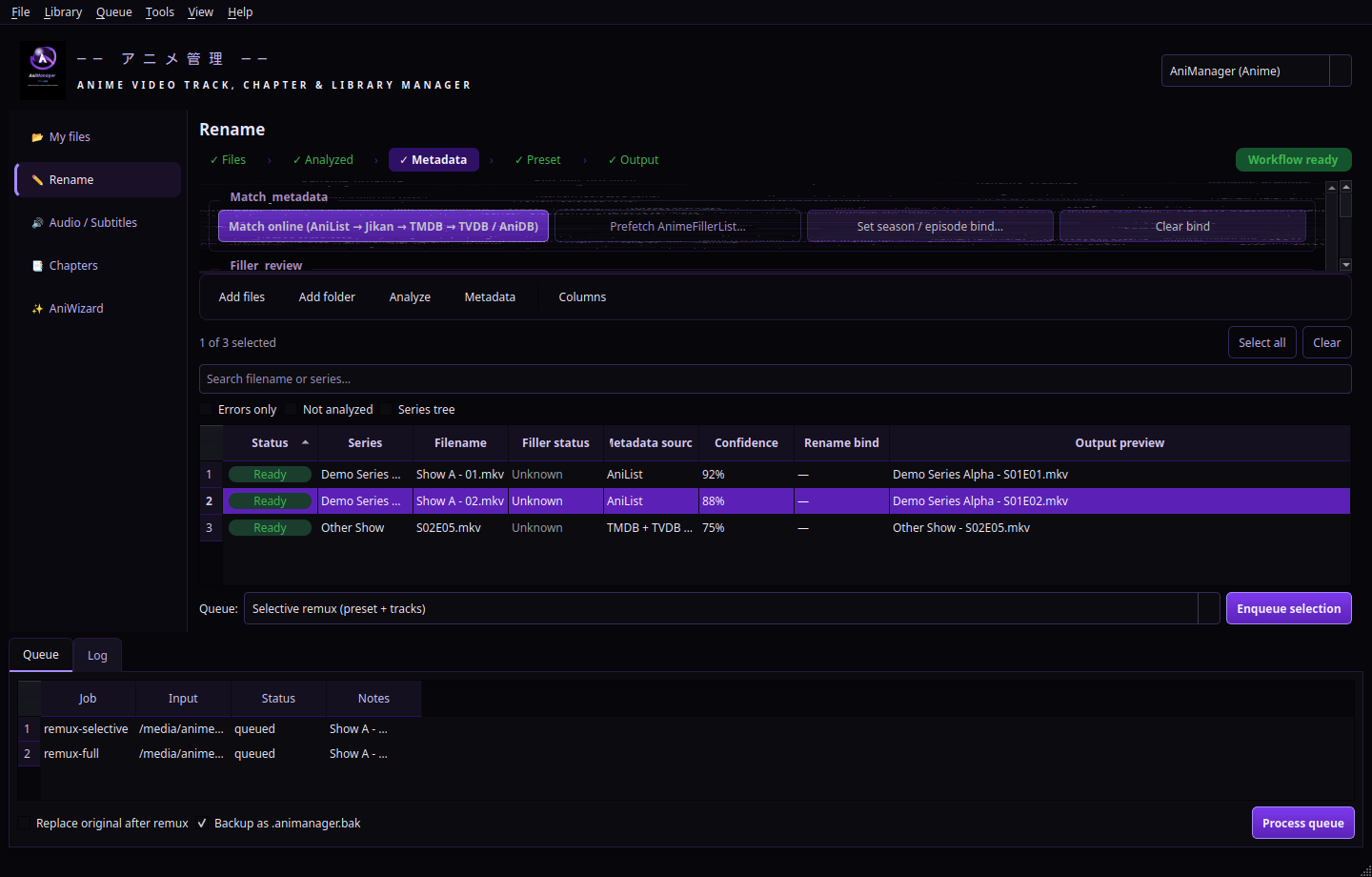
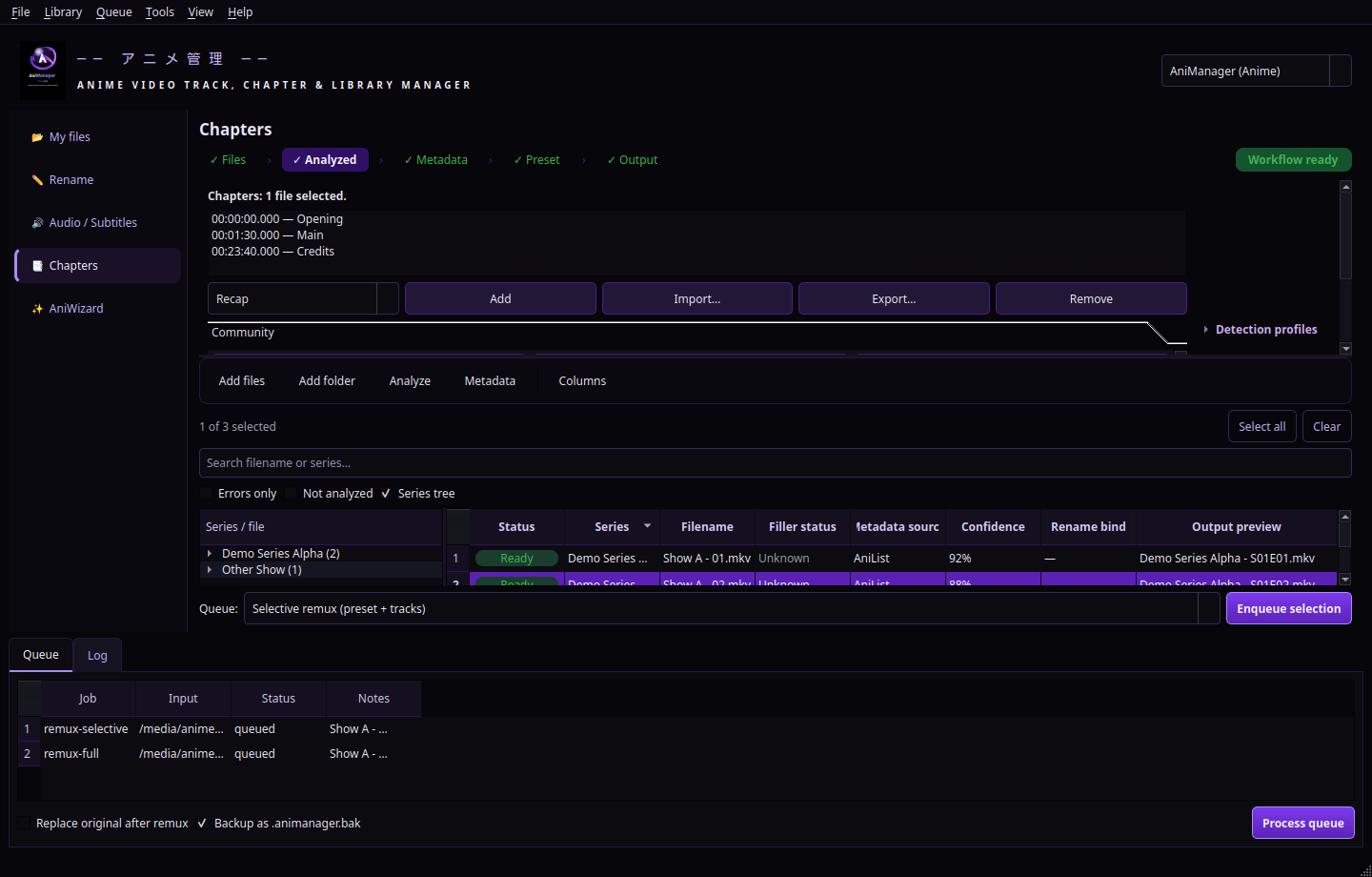
EpiManager in the app
The orange/blue TV workspace running inside the same AniManager window.
Switching to TV mode
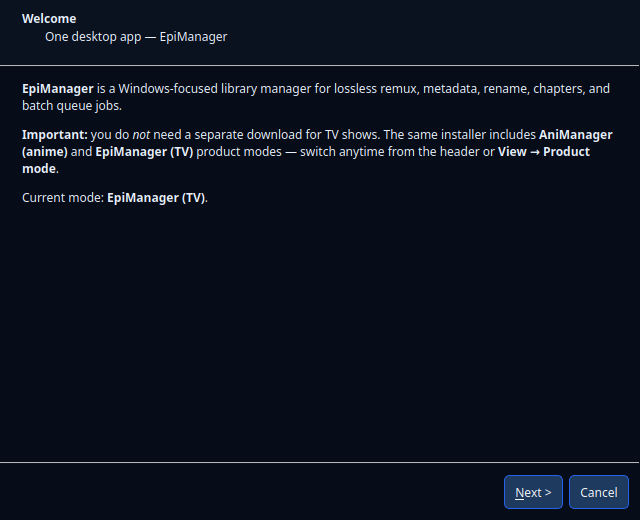
First launch? The guided tutorial (Help menu) explains both modes, API keys in Tools → Dependencies, and licensing.
- Install or open AniManager.exe (single download from animanager.co.uk).
- Use View → Product mode → EpiManager (TV Shows) for TV libraries.
- Switch back to AniManager (Anime) for anime metadata paths and violet theme anytime.
- Templates and organize patterns are saved per mode; files and jobs stay in one shared library.
API keys for TV
Set these under Tools → Dependencies in the app for the best episode matching experience.
- TMDB — primary series and episode search for TV mode
- TVDB v4 — series and episode enrichment (subscriber PIN if required)
- OpenSubtitles.com — consumer API key for subtitle download